

 2:11
2:11Set up your business2 min
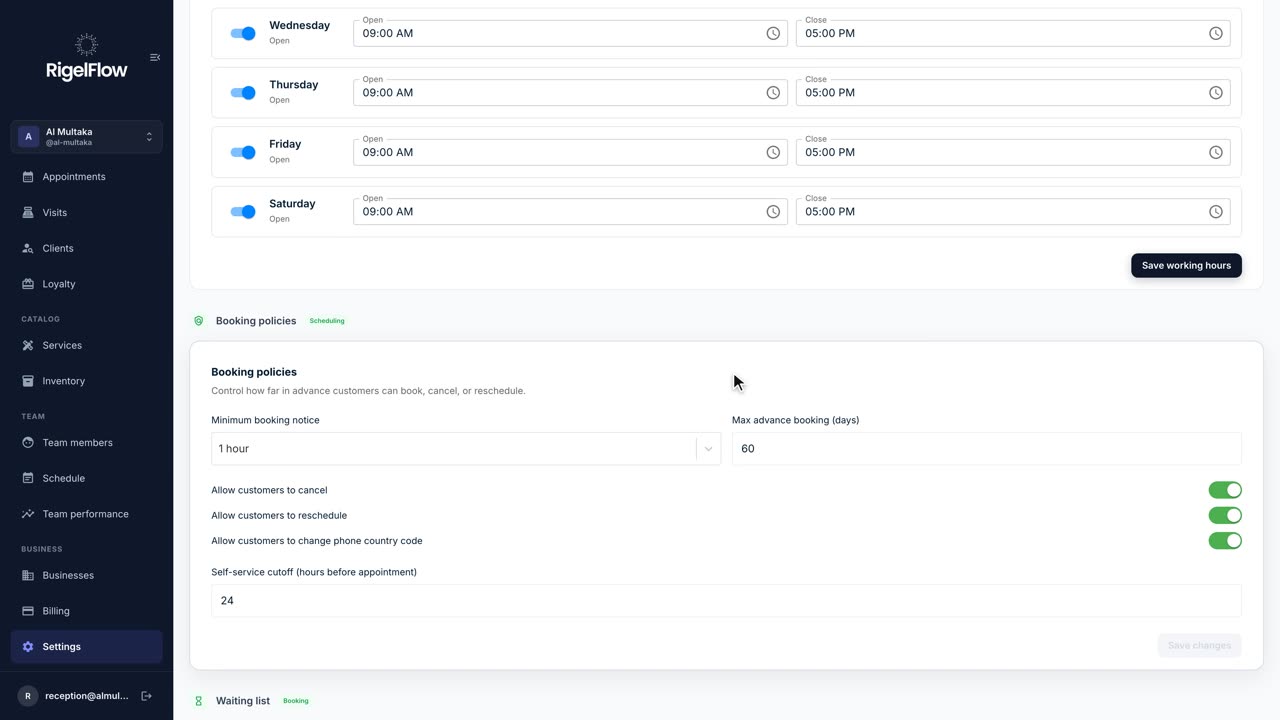
Set up your business in Settings
Your profile, branches, opening hours, booking rules, tax, payments, WhatsApp and team options, all in one place.
Watch the guideShort videos and step-by-step guides for every part of RigelFlow, from your first booking to your tax invoice.
Five guides that take you from setup to your first paid visit.
Settings, services and your team.
2:11Set up your business2 min
Your profile, branches, opening hours, booking rules, tax, payments, WhatsApp and team options, all in one place.
Watch the guide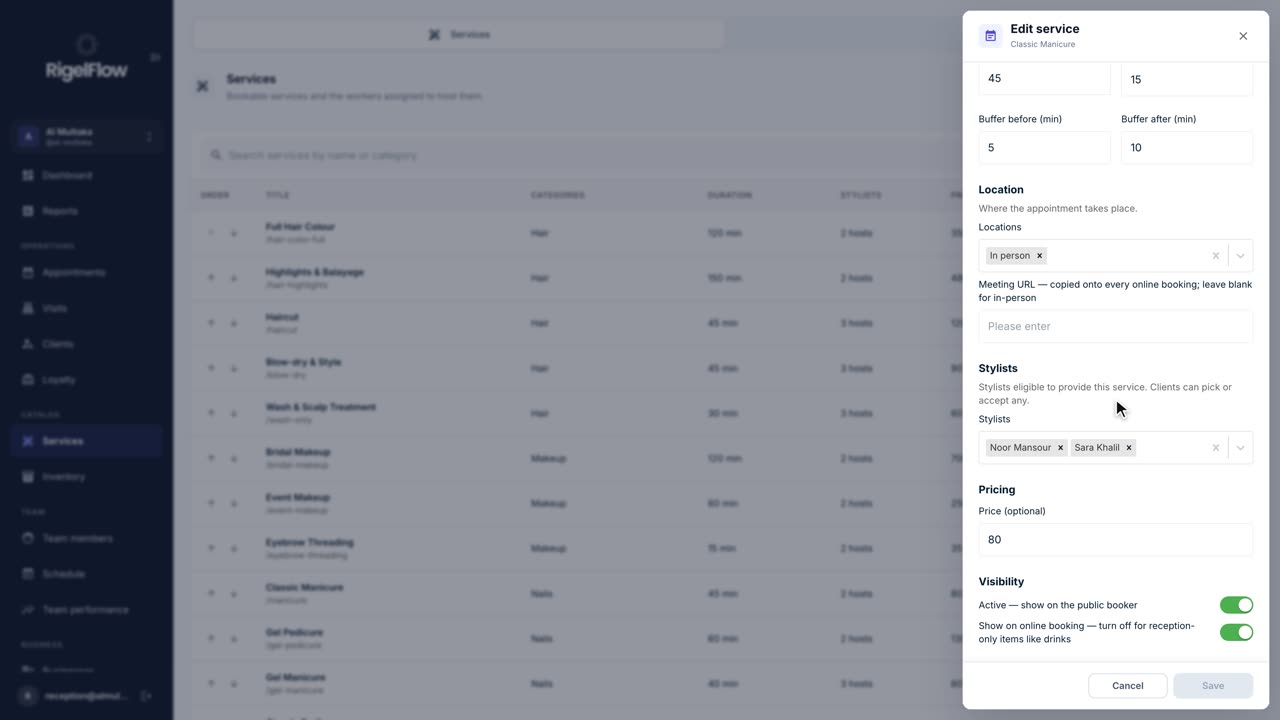 1:50
1:50Set up your business2 min
Set up everything clients can book: prices, durations, who offers each service, categories, treatment order and add-ons.
Watch the guide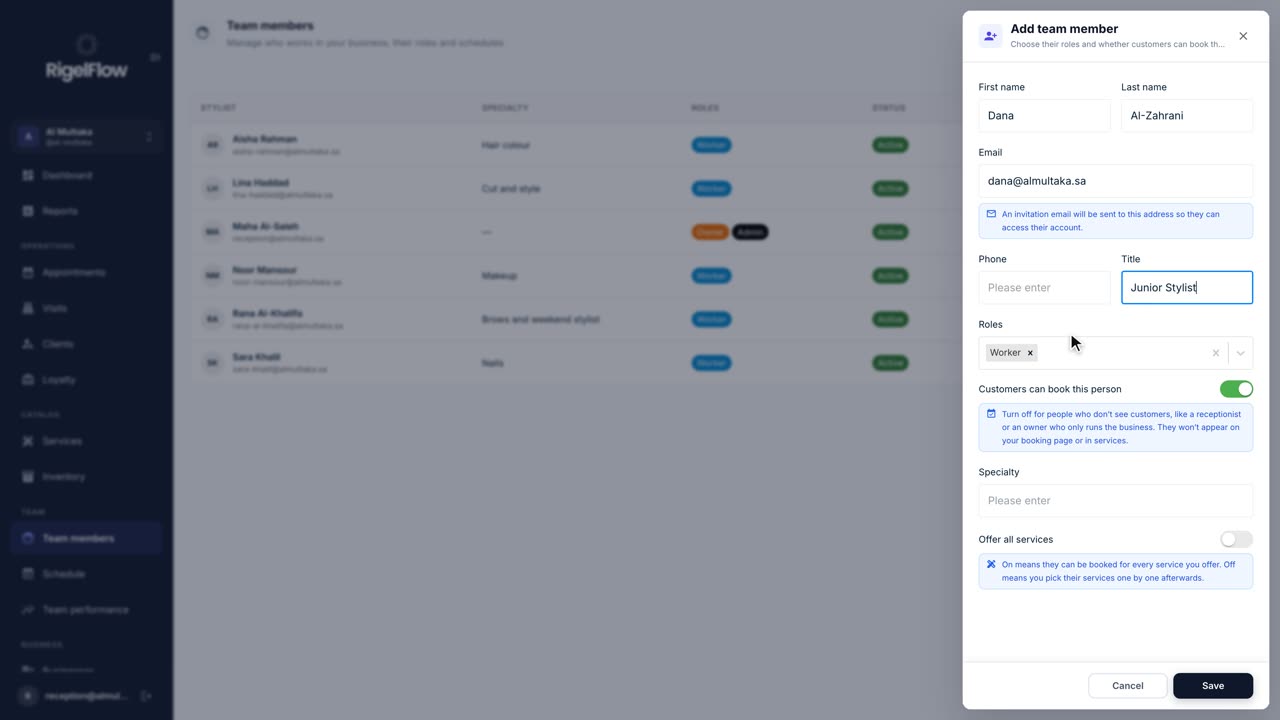 1:03
1:03Set up your business1 min
Invite your staff, choose their roles, and set the working hours and time off that decide when clients can book them.
Watch the guideTake bookings and plan who works when.
 1:26
1:26Bookings and calendar1 min
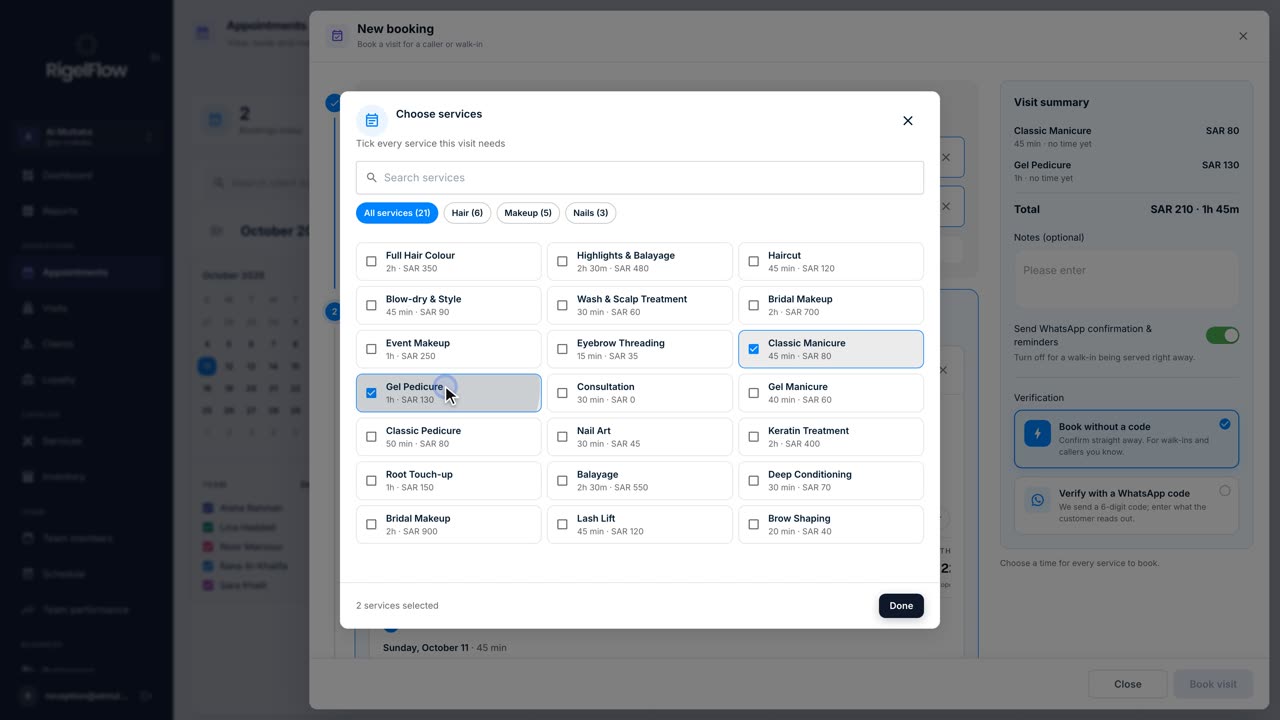
Book one or more services for a client, pick the team member and time, set up repeat visits, and send the WhatsApp confirmation.
Watch the guide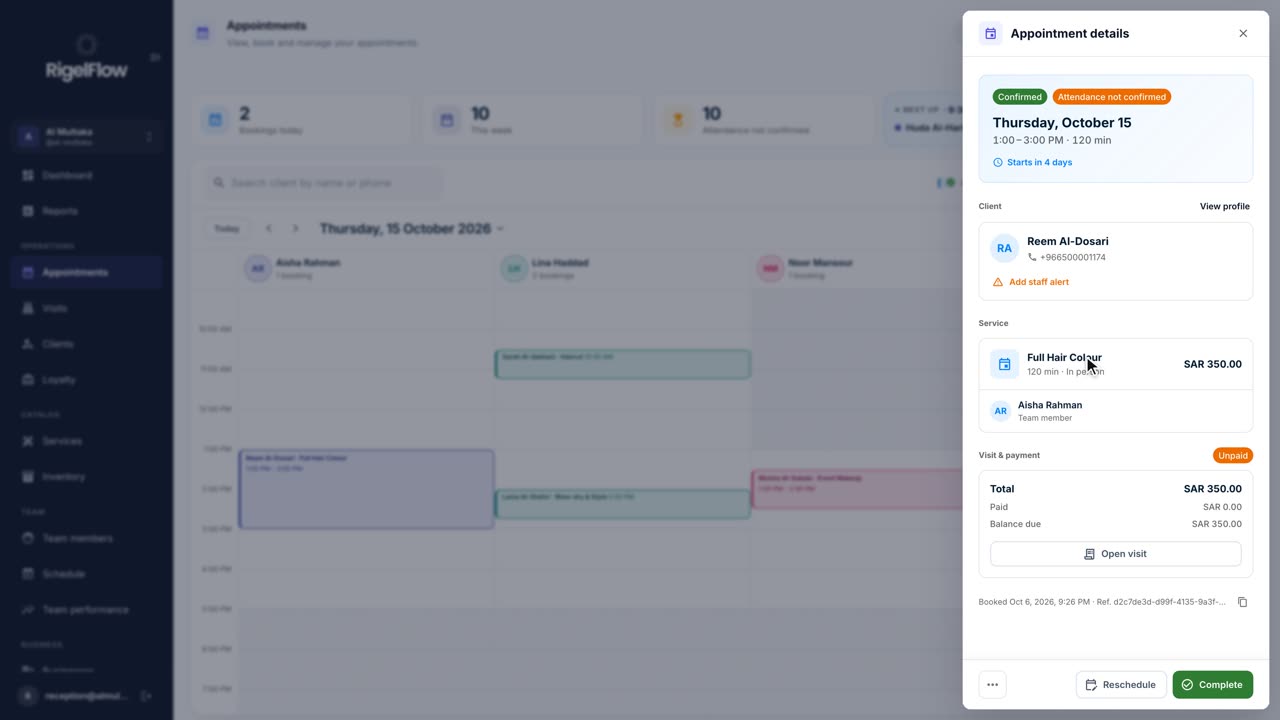 2:05
2:05Bookings and calendar2 min
See your day at a glance, switch between calendar, stylist and list views, and reschedule, complete or cancel any booking.
Watch the guide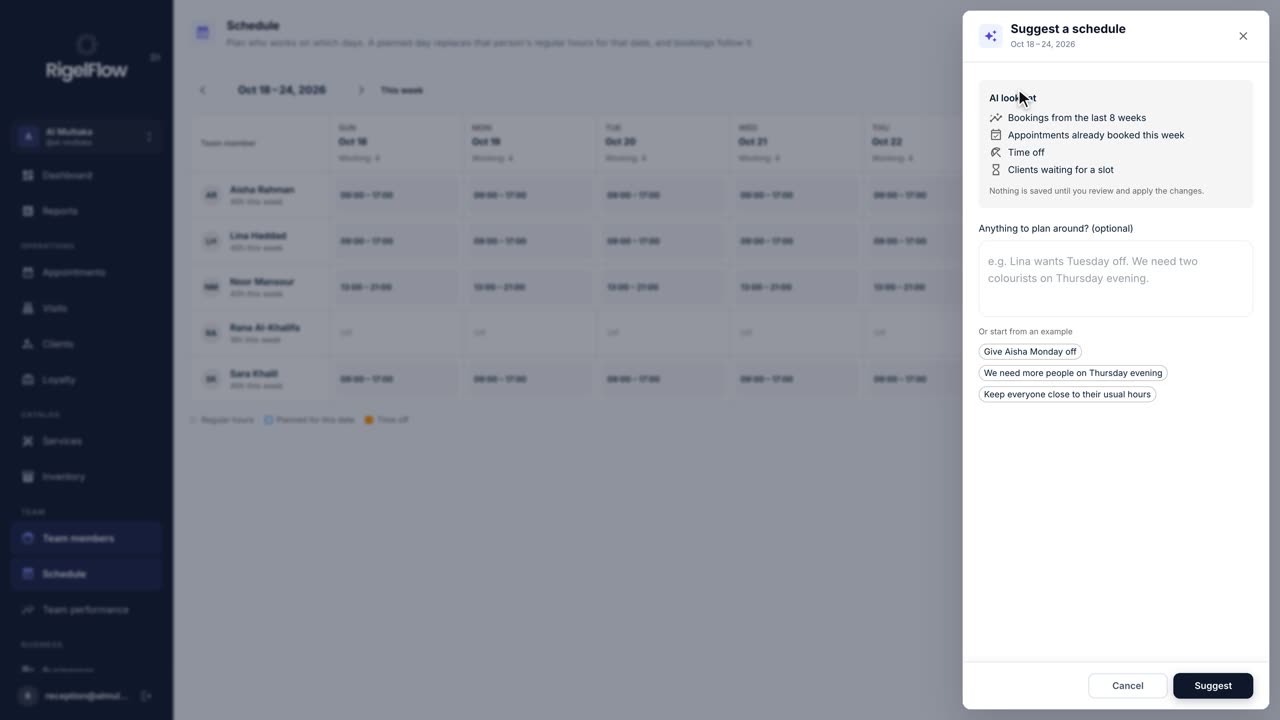 1:51
1:51Bookings and calendar2 min
Plan who works each day, give time off without leaving bookings stranded, and let AI suggest a week that fits your bookings.
Watch the guideTake payment, issue invoices, give refunds.
 2:46
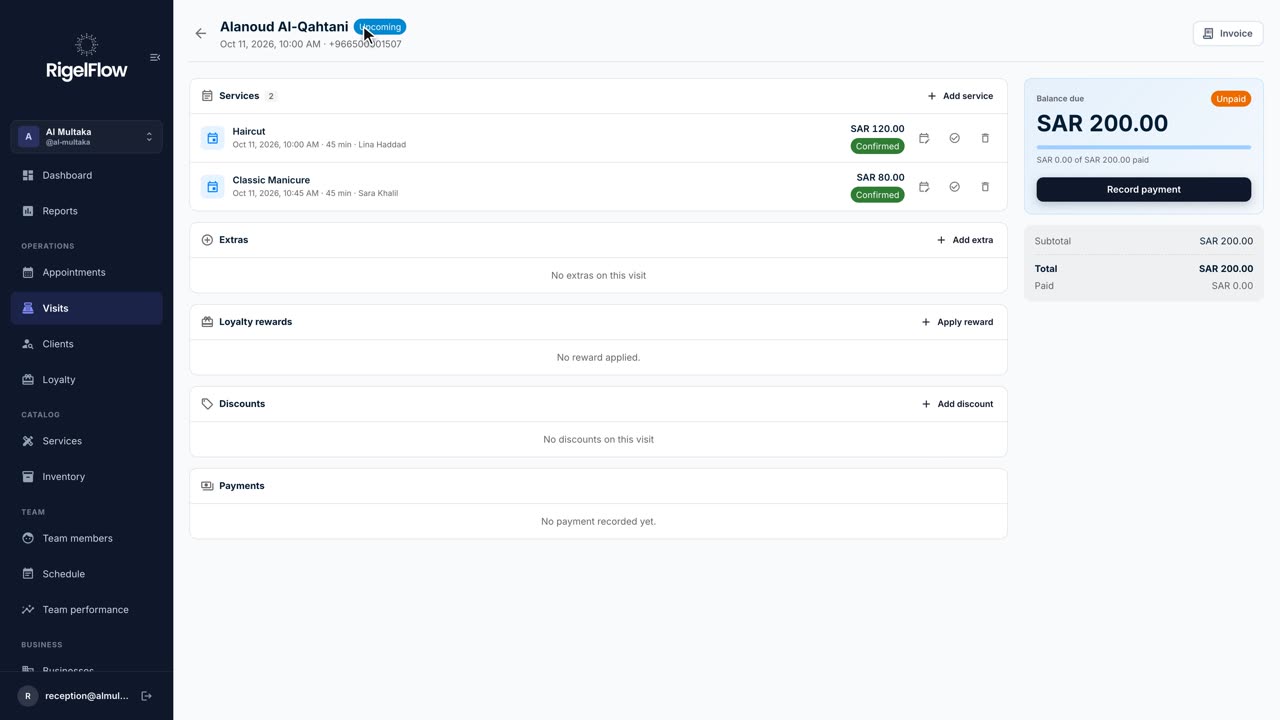
2:46Visits and payments3 min
Add services and discounts, record full or part payments, issue a ZATCA tax invoice, and refund with a credit note.
Watch the guideKnow your clients and reward regulars.
 1:23
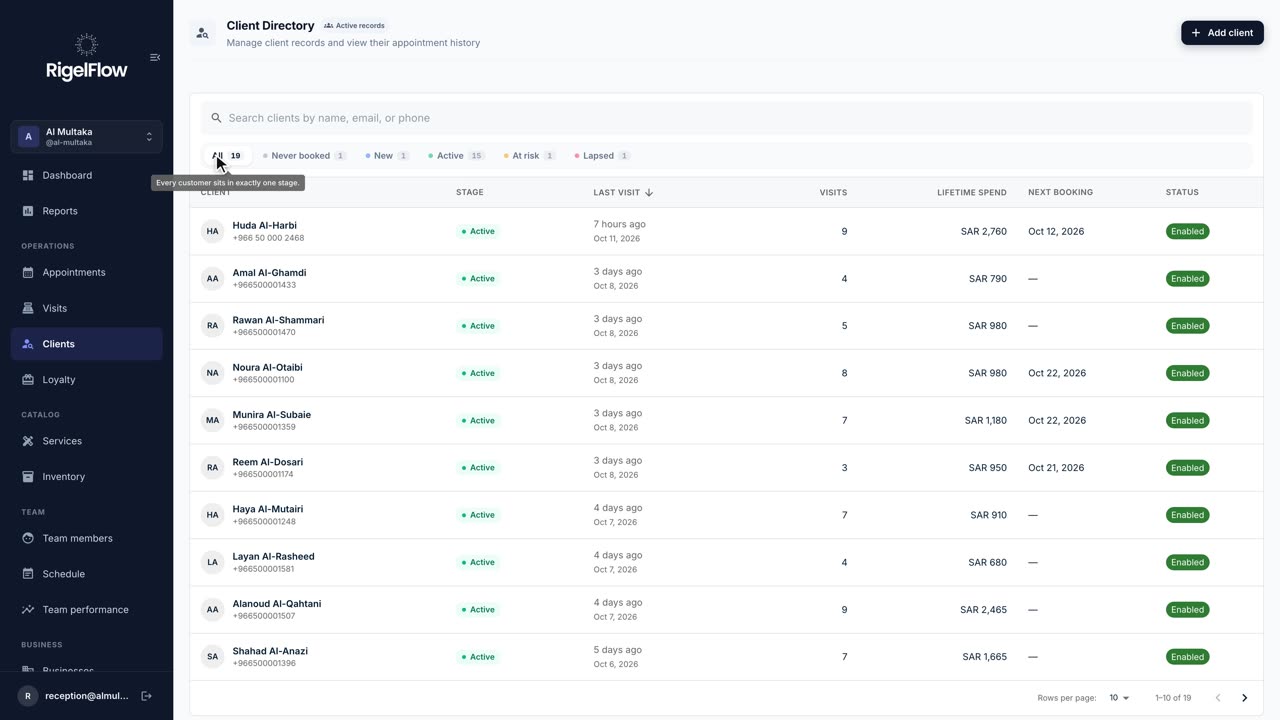
1:23Clients and loyalty1 min
See every client’s stage, spend and history, add staff alerts for allergies, and find who to win back.
Watch the guide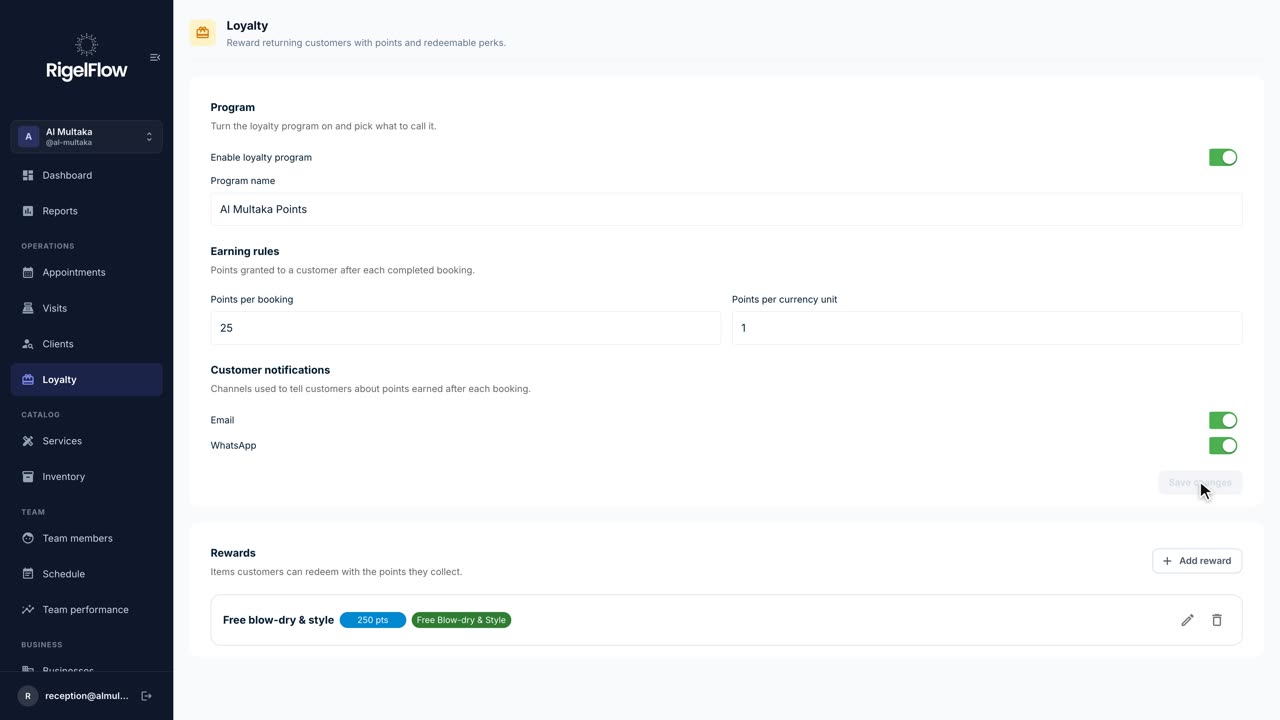 1:12
1:12Clients and loyalty1 min
Turn on a points program, decide how clients earn, create rewards, and redeem points at checkout.
Watch the guideSell gift cards, bundles and prepaid sessions.
 1:55
1:55Gift cards and packages2 min
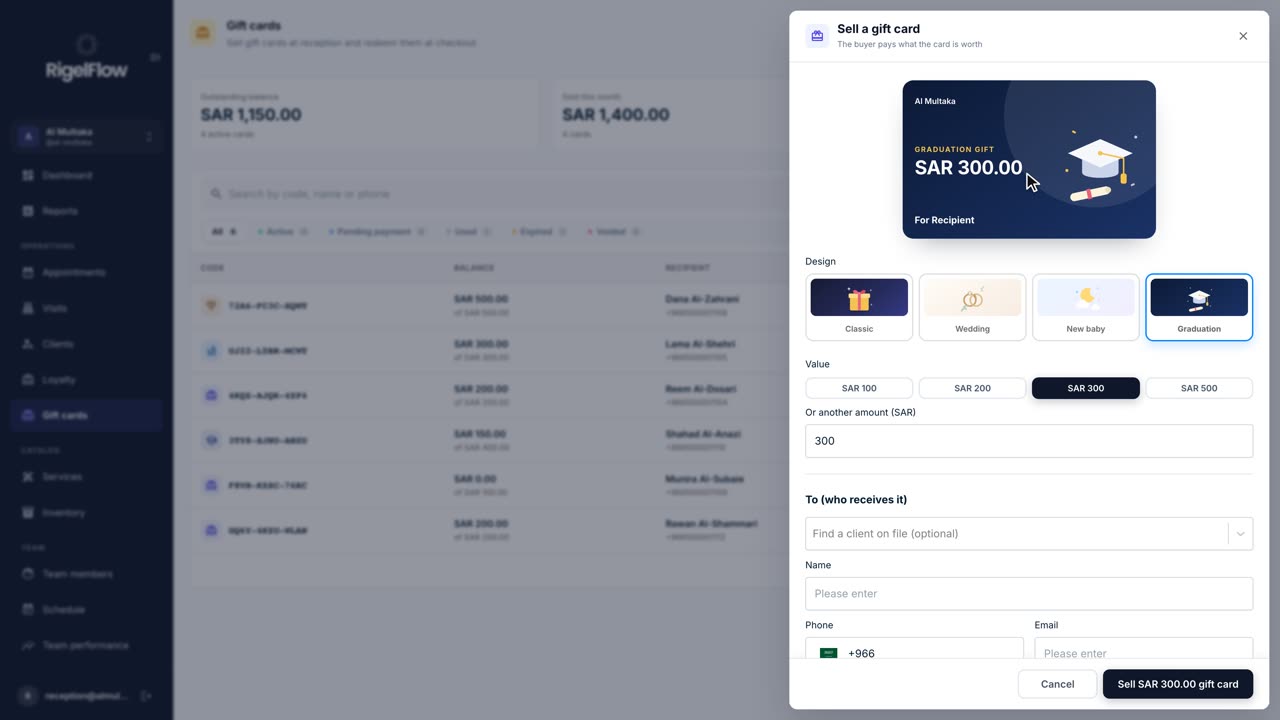
Sell a gift card in any design and amount, send it on WhatsApp, and use it to pay for a visit at checkout.
Watch the guide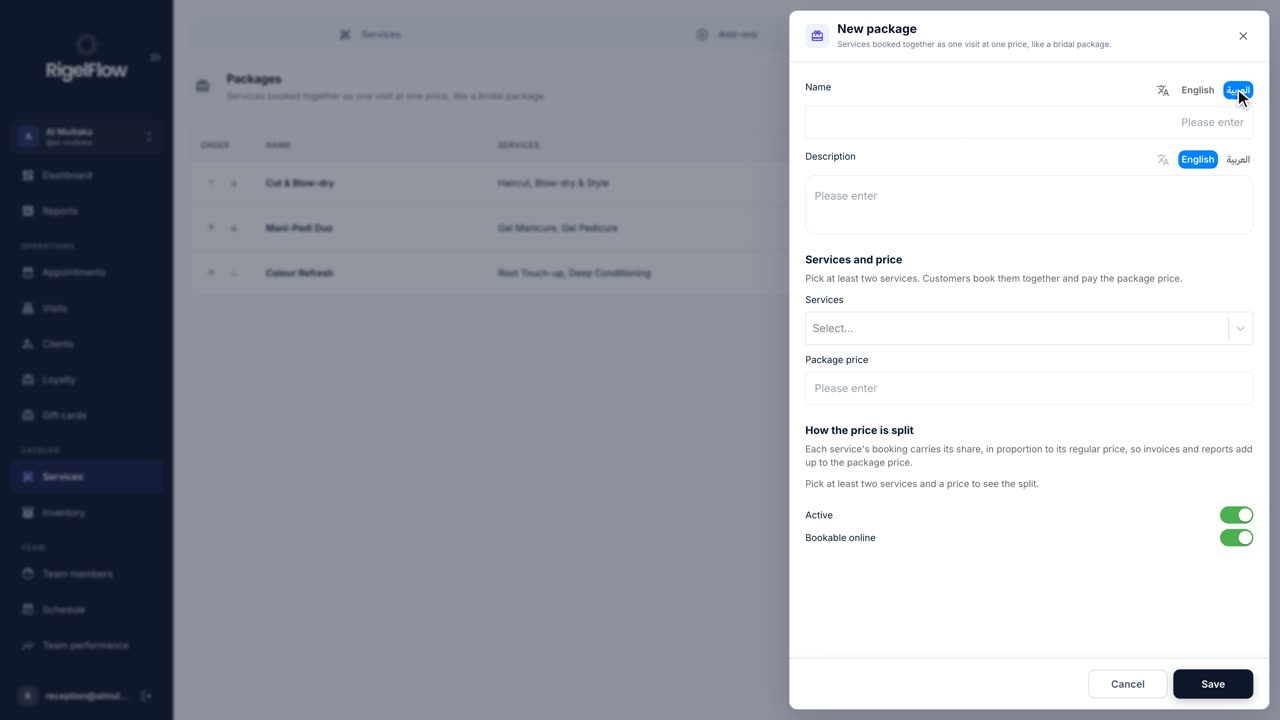 1:27
1:27Gift cards and packages1 min
Bundle services clients book together at one price, like a bridal package, and offer them at reception and online.
Watch the guide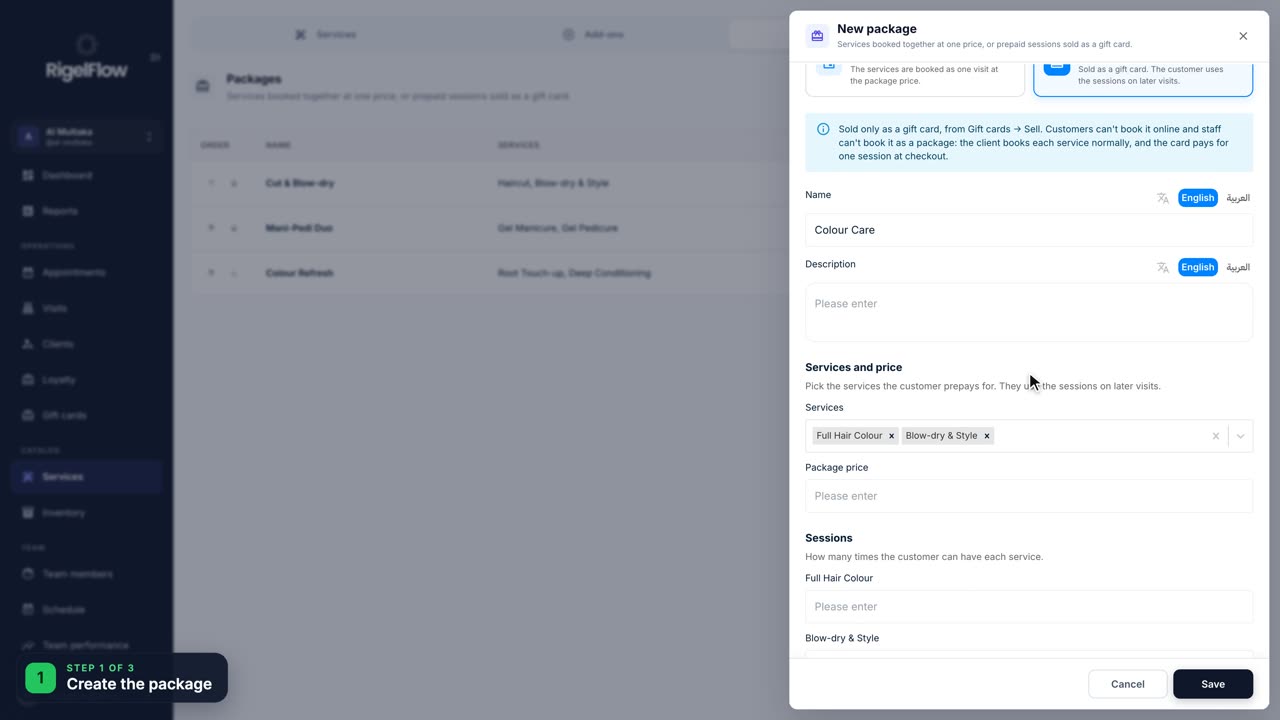 2:22
2:22Gift cards and packages2 min
Let a client pay once for several sessions, like three colours, then use one session at each visit.
Watch the guideTrack products, stock and suppliers.
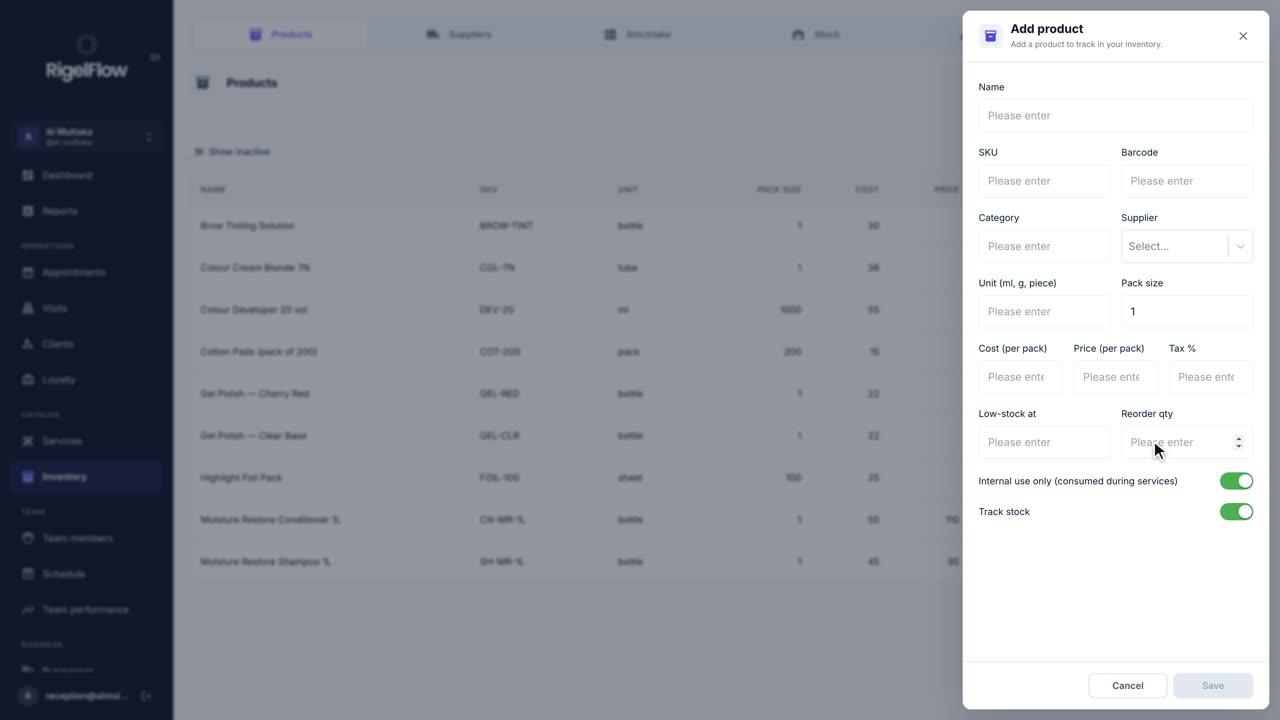 1:26
1:26Inventory1 min
Keep track of retail and back-bar products, suppliers, stock at each branch, low-stock alerts and stocktakes.
Watch the guideMessage the RigelFlow team on WhatsApp and we’ll walk you through it.