

Set up your business2 min
Add and manage your services
Set up everything clients can book: prices, durations, who offers each service, categories, treatment order and add-ons.
Services is under Catalog in the menu. It holds everything clients can book, and the order they see it in.
Step by step
- 1Step 1
Open Services
From the menu, open Catalog, then Services.
- 2Step 2
Read the list
Each row shows the category, how long the service takes, how many stylists offer it, its price and its status. Use the arrows to set the order clients see.
- 3Step 3
Find a service
Search by name or category to find a service quickly.
- 4Step 4
Edit a service
Click a service. The title has an English and an Arabic version. Set the duration, the booking interval, and buffer time before and after. Then pick the stylists who offer it, and its price.
- 5Step 5
Choose where it shows
Active shows the service on your booking page. Turn off Show on online booking for reception-only items, like drinks, that staff add at the desk.
- 6Step 6
Link products from Inventory
The link button connects products from Inventory. Each completed booking uses up that quantity of stock.
- 7Step 7
Organise with categories
Categories, like Hair or Nails, let clients filter services when they book online.
- 8Step 8
Set the treatment order
When a client books several services in one visit, this sets what happens first: wash, then cut, then blow-dry. Suggest with AI fills in the steps for you to review.
- 9Step 9
Add add-ons
Add-ons are extras staff charge at checkout, like long hair or an express service. Choose the services they’re offered on, and any products they use.
- 10Step 10
Create a new service
Click New service and type the title. AI fills in the other language. Set the duration and price, assign your team, and save. It’s ready to book straight away.
Related guides
 1:03
1:03Set up your business1 min
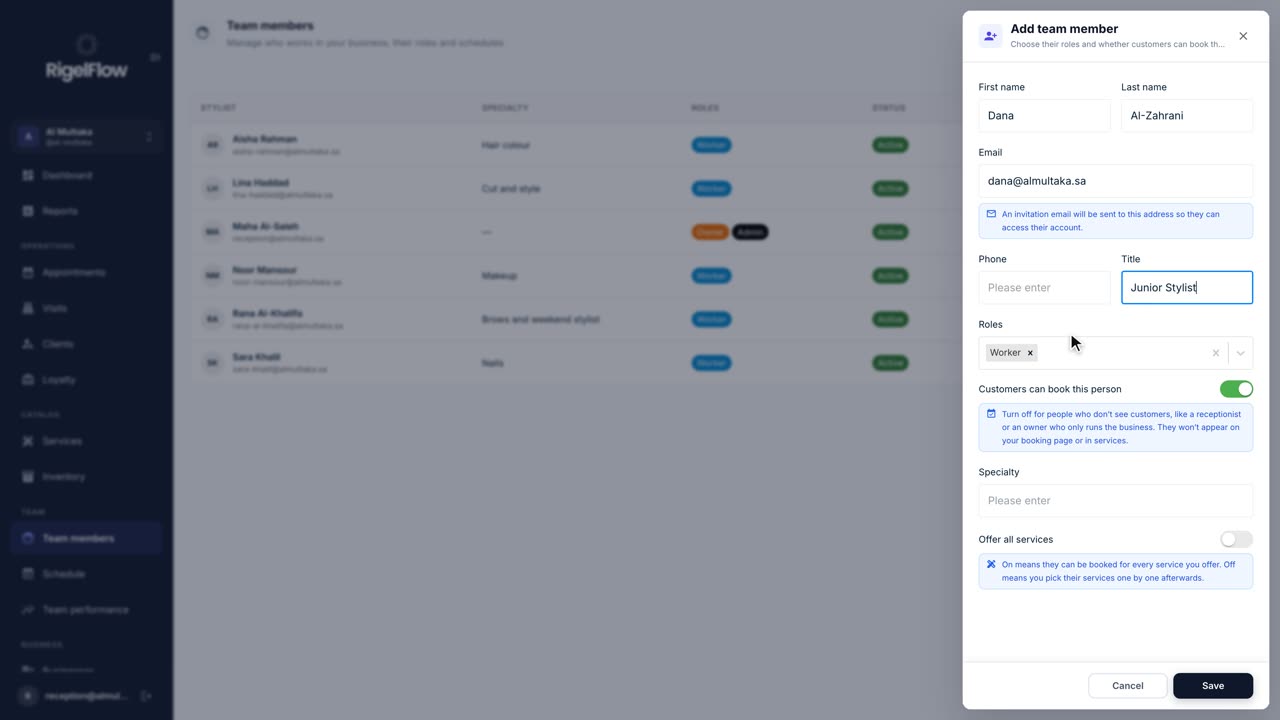
Add team members and set their hours
Invite your staff, choose their roles, and set the working hours and time off that decide when clients can book them.
Watch the guide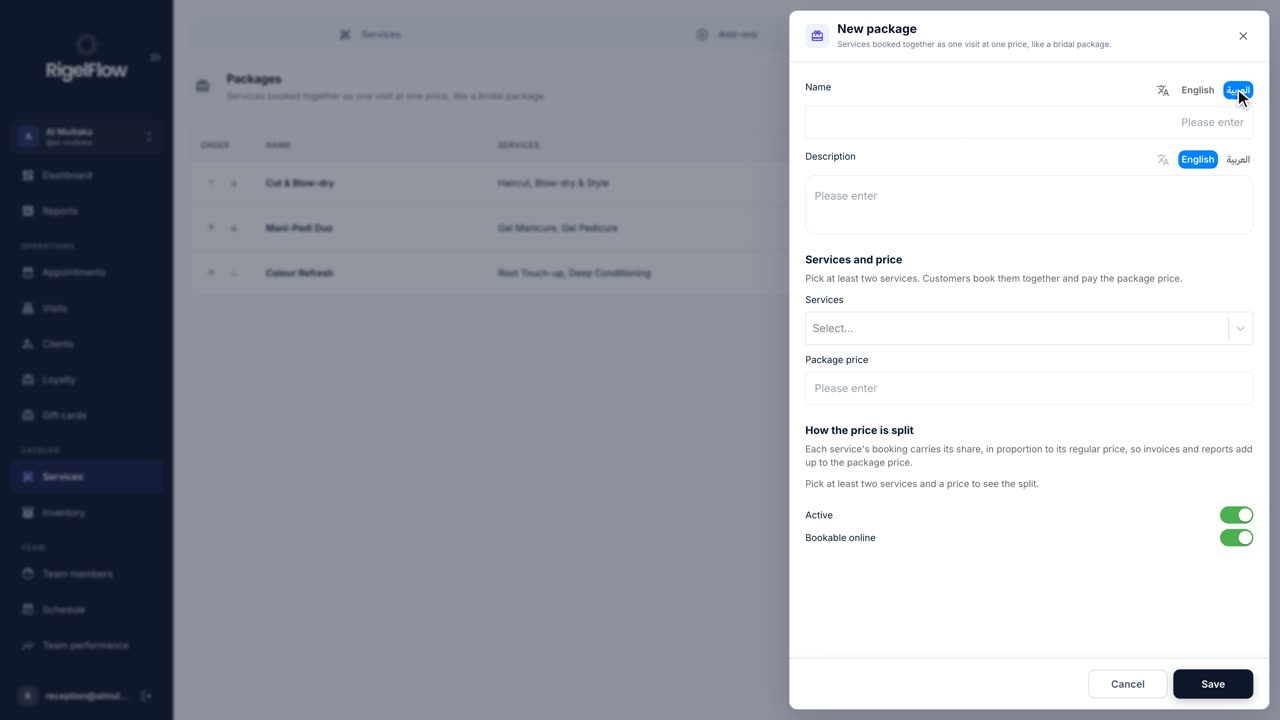 1:27
1:27Gift cards and packages1 min
Create service packages
Bundle services clients book together at one price, like a bridal package, and offer them at reception and online.
Watch the guide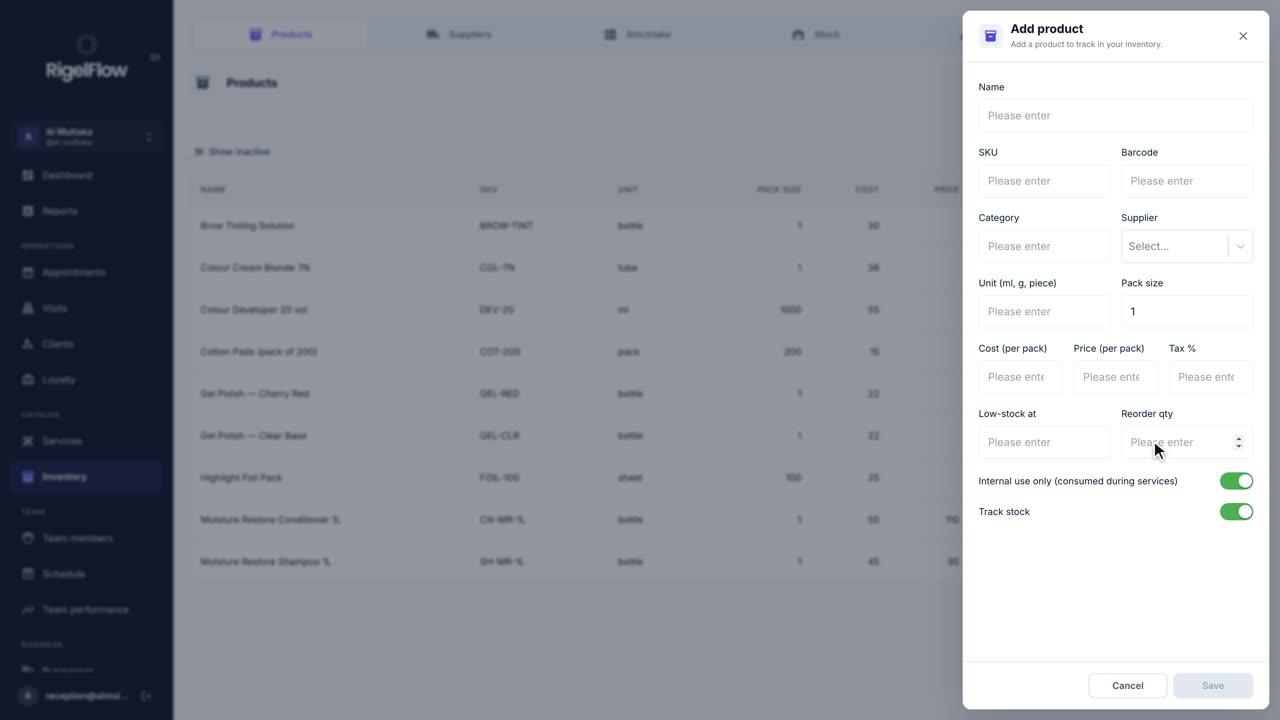 1:26
1:26Inventory1 min
Track inventory and stock
Keep track of retail and back-bar products, suppliers, stock at each branch, low-stock alerts and stocktakes.
Watch the guide