

Create service packages
Bundle services clients book together at one price, like a bridal package, and offer them at reception and online.
Packages bundle services that clients book together, at one price. You’ll find them under Services, in the Packages tab.
Create a package
- 1Step 1
Open the Packages tab
Go to Services, then the Packages tab.
- 2Step 2
Read the list
Each package lists its services, and its price next to the regular total, with what the client saves.
- 3Step 3
Check status and order
Chips show whether a package is active and bookable online. Use the arrows to set the order clients see them in.
- 4Step 4
Start a new package
Click New package and give it a name and short description, in English and Arabic.
- 5Step 5
Pick the services
Pick at least two services, like bridal makeup, a blow-dry and a gel manicure.
- 6Step 6
Set the price
Set the package price. The preview shows how it’s split across the services in line with their regular prices, so invoices and reports add up, and how much the client saves.
- 7Step 7
Save it
Keep it active, choose whether clients can book it online, and save.
Book a package
- 8Step 8
At reception
Open New booking, add services, and filter by Packages.
- 9Step 9
Pick the package
All its services are added together, at the package price.
- 10Step 10
Online
Clients find your packages on your booking page, with the regular price crossed out. When they pick one, its services are booked together; anything else goes in a separate booking.
Related guides
 2:22
2:22Gift cards and packages2 min
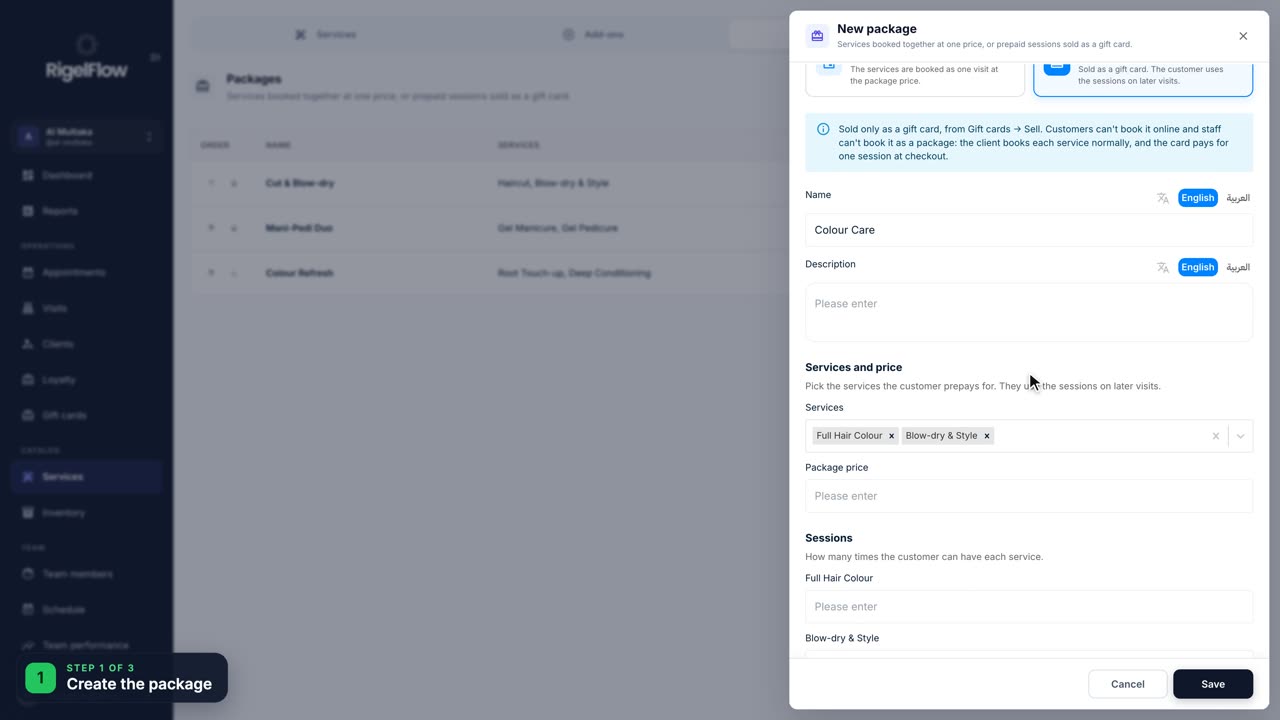
Sell prepaid session packages
Let a client pay once for several sessions, like three colours, then use one session at each visit.
Watch the guide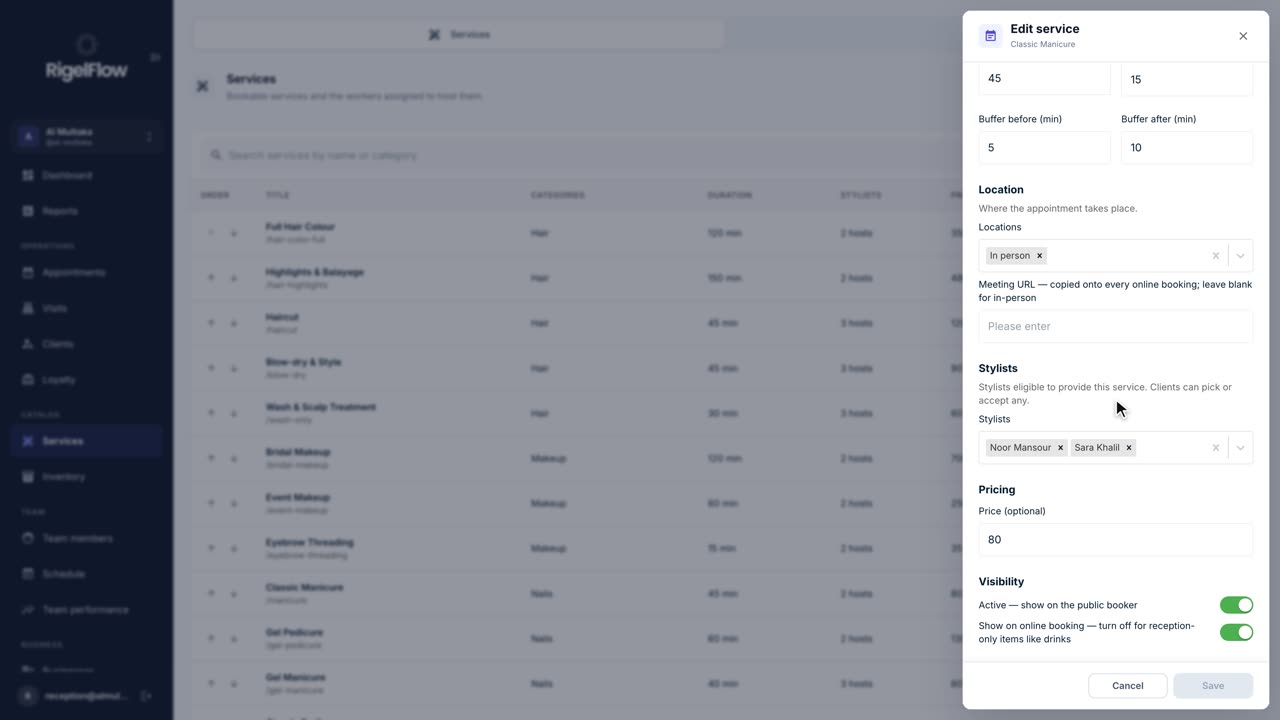 1:50
1:50Set up your business2 min
Add and manage your services
Set up everything clients can book: prices, durations, who offers each service, categories, treatment order and add-ons.
Watch the guide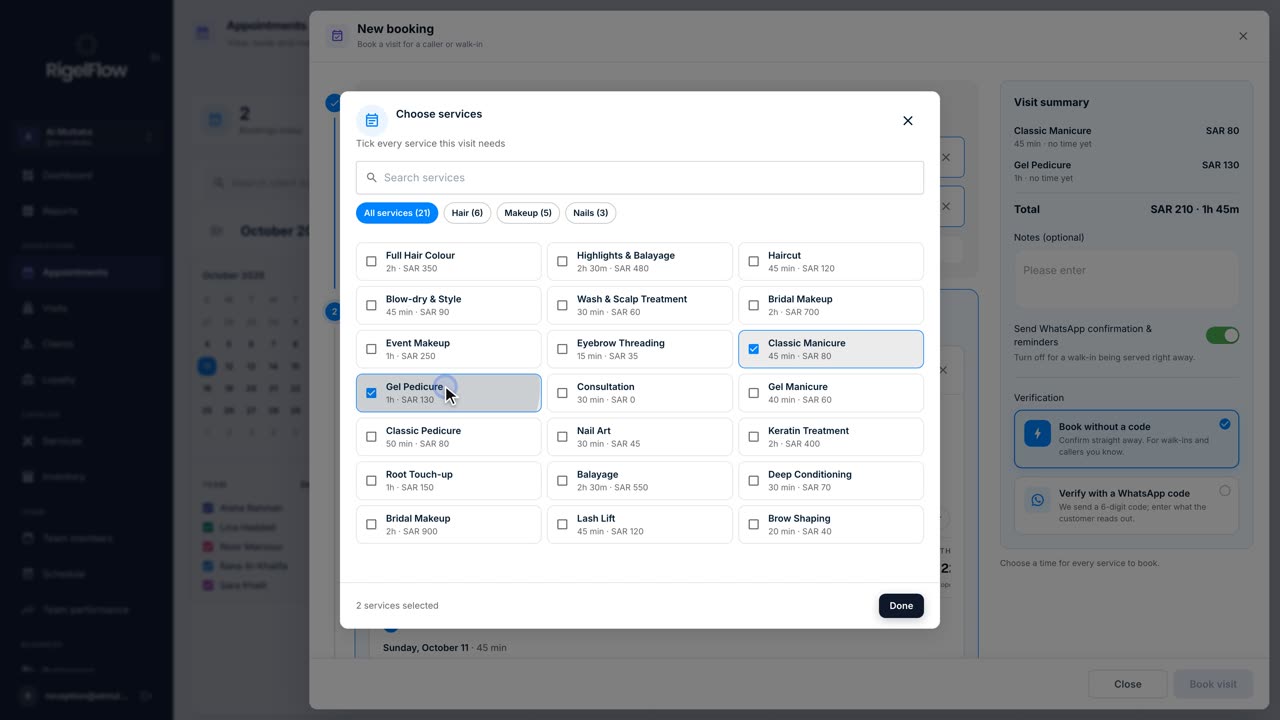 1:26
1:26Bookings and calendar1 min
Make a new booking
Book one or more services for a client, pick the team member and time, set up repeat visits, and send the WhatsApp confirmation.
Watch the guide