

Sell and redeem gift cards
Sell a gift card in any design and amount, send it on WhatsApp, and use it to pay for a visit at checkout.
Gift cards in the menu is where you sell gift cards and keep track of every one. At the top you’ll see the balance left on active cards, what you sold this month, and what clients redeemed.
Sell a gift card
- 1Step 1
Open Gift cards
From the menu, open Gift cards.
- 2Step 2
Find a card
Each card shows its code, balance, who it’s for, and when it expires. Search by code, name or phone, or filter by status.
- 3Step 3
Pick a design
Click Sell gift card and pick a design: Classic, Wedding, New baby or Graduation.
- 4Step 4
Choose the value
Pick a value or type any amount. The preview updates as you go.
- 5Step 5
Choose who it’s for
Under To, find the client on file and their phone fills in. The gift is sent to this number on WhatsApp, and it’s how the card is found at checkout.
- 6Step 6
Add who it’s from
Under From, add who’s giving it. If they’re buying it for themselves, tick the box.
- 7Step 7
Add a message and expiry
Add a personal message. Cards expire after twelve months by default, and you can change the date.
- 8Step 8
Take payment and sell
Pick how the buyer pays: cash, card or bank transfer at the counter. Then sell the card.
- 9Step 9
Send it
The card opens with its code and balance. Send it on WhatsApp, copy the code, or print it.
- 10Step 10
Manage it later
Activity lists every sale and redemption. You can extend the expiry, or void a card sold by mistake.
Use a gift card at checkout
- 11Step 11
Open the visit
At checkout, open the client’s visit and click Redeem gift card.
- 12Step 12
Pick the card
The client’s cards are suggested, or enter a code. Click Use, and the card pays the visit up to its balance.
- 13Step 13
What the client gets
The recipient gets a gift page with their card, the code, and a button to book. Each design opens with its own animation.
Related guides
 2:22
2:22Gift cards and packages2 min
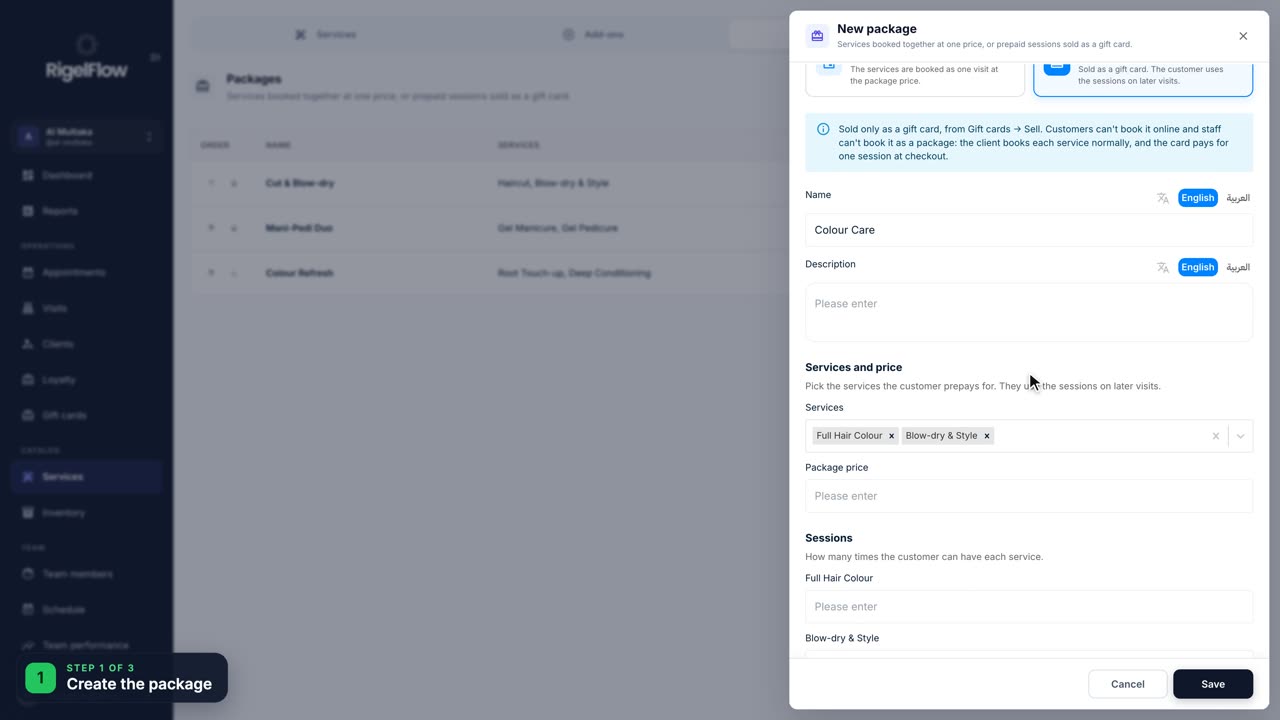
Sell prepaid session packages
Let a client pay once for several sessions, like three colours, then use one session at each visit.
Watch the guide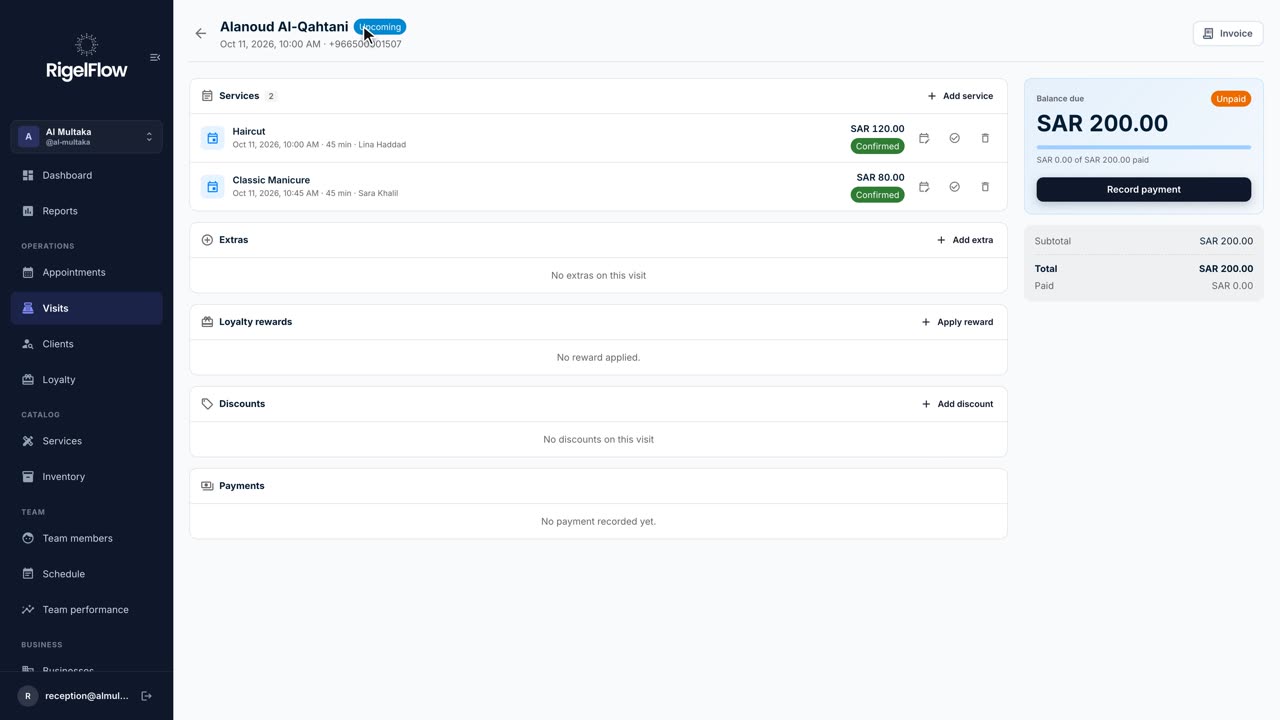 2:46
2:46Visits and payments3 min
Take payment, invoice and refund a visit
Add services and discounts, record full or part payments, issue a ZATCA tax invoice, and refund with a credit note.
Watch the guide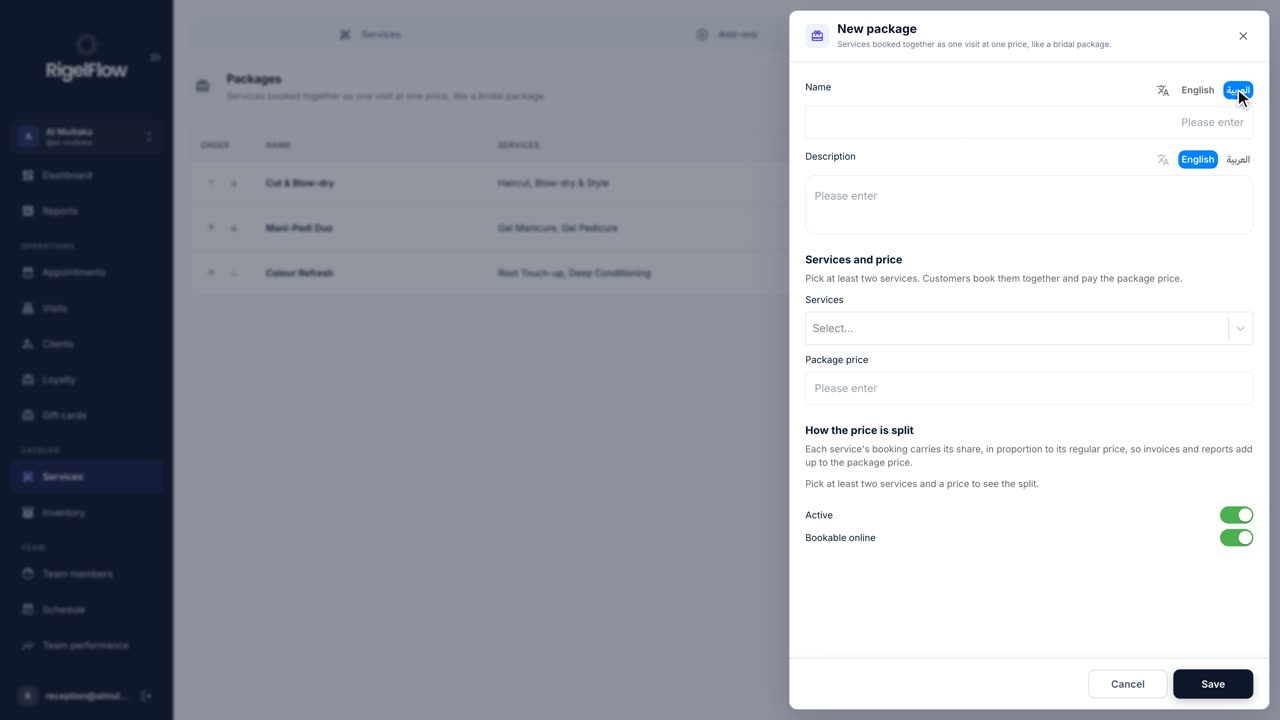 1:27
1:27Gift cards and packages1 min
Create service packages
Bundle services clients book together at one price, like a bridal package, and offer them at reception and online.
Watch the guide