

Clients and loyalty1 min
Reward regulars with loyalty points
Turn on a points program, decide how clients earn, create rewards, and redeem points at checkout.
Loyalty in the menu is where you reward the clients who keep coming back.
Step by step
- 1Step 1
Open Loyalty
From the menu, open Loyalty.
- 2Step 2
Turn the program on
Switch it on, and give it a name your clients will recognise.
- 3Step 3
Decide how clients earn
Clients earn points for every completed booking: a set number per booking, plus points for every riyal they spend.
- 4Step 4
Choose how they’re told
Clients hear about their points by email, WhatsApp, or both.
- 5Step 5
Review your rewards
Rewards are what clients spend points on. Each shows its points cost.
- 6Step 6
Add a reward
Click Add reward, name it, and set the points cost. A reward can be a perk, a free service, a fixed amount off, or a percentage off.
- 7Step 7
See a client’s points
Each client’s profile has a Loyalty tab with their balance and the history of every point earned and spent.
- 8Step 8
Redeem points
Redeem points shows the rewards they can afford. Rewards worth money are applied from the visit’s checkout, so they come off the invoice.
- 9Step 9
Track the program
The Loyalty points report shows points awarded and redeemed over time, and which team member awarded them.
Related guides
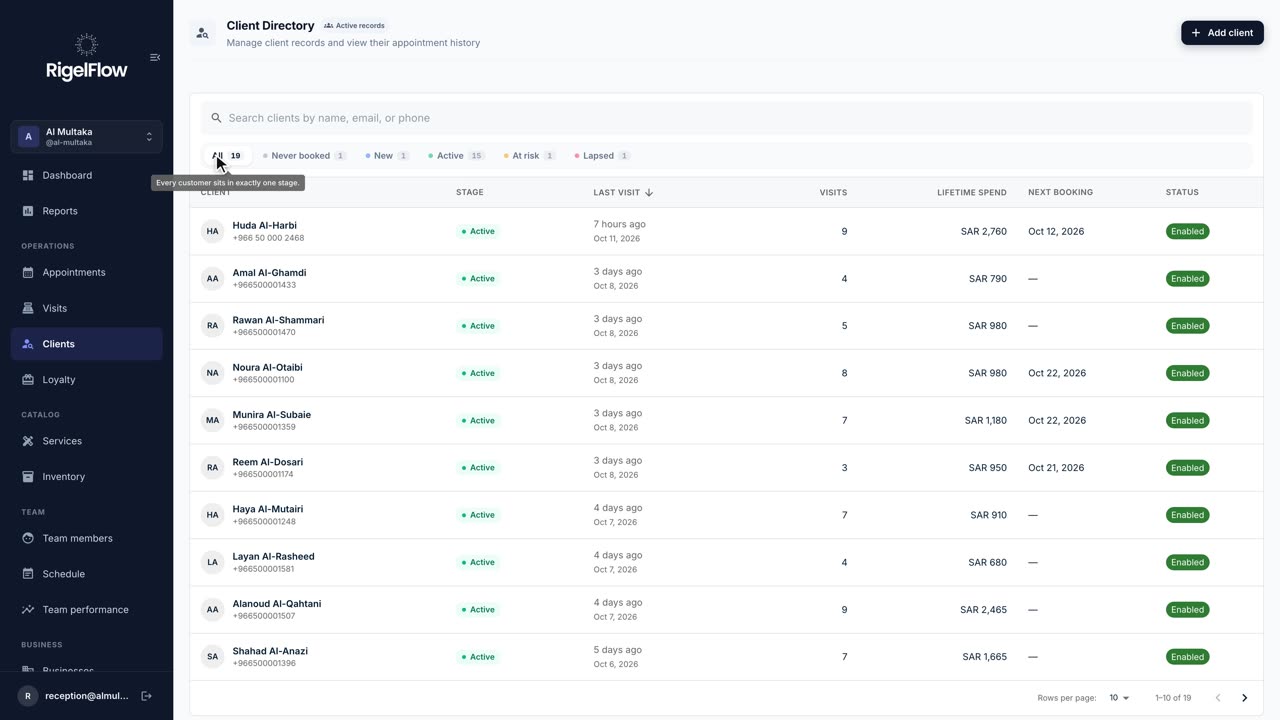 1:23
1:23Clients and loyalty1 min
Find and manage your clients
See every client’s stage, spend and history, add staff alerts for allergies, and find who to win back.
Watch the guide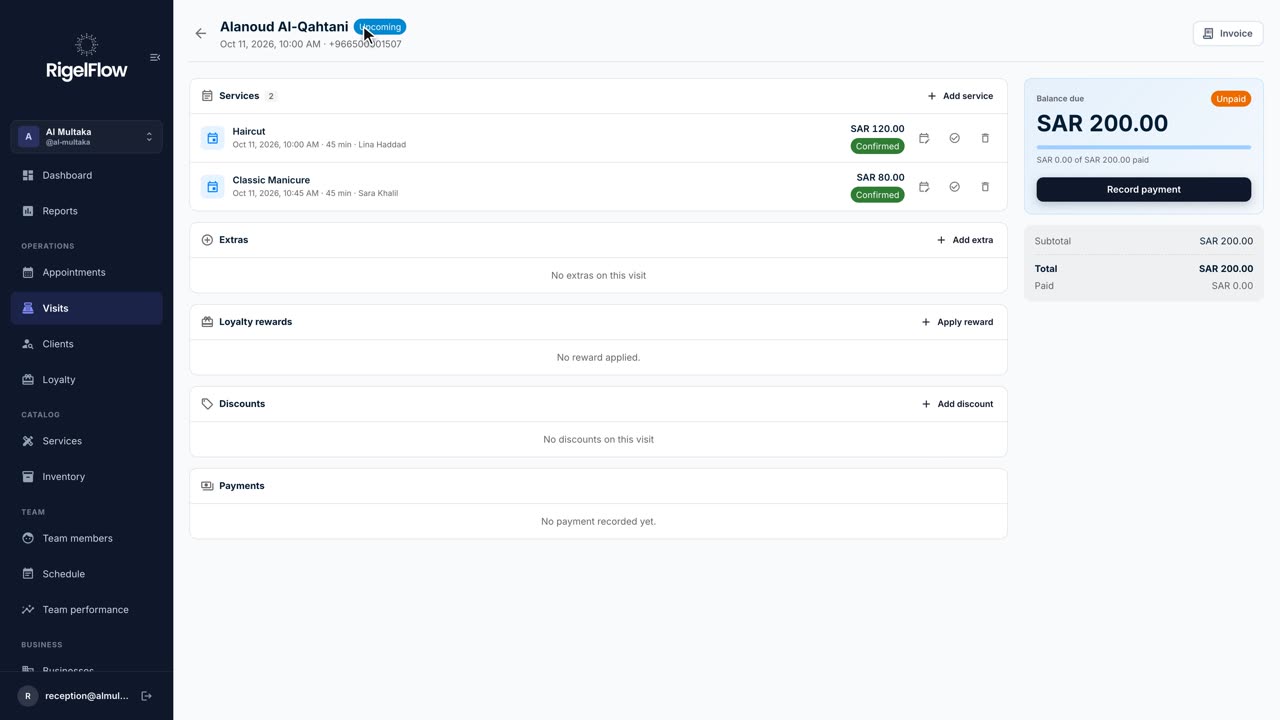 2:46
2:46Visits and payments3 min
Take payment, invoice and refund a visit
Add services and discounts, record full or part payments, issue a ZATCA tax invoice, and refund with a credit note.
Watch the guide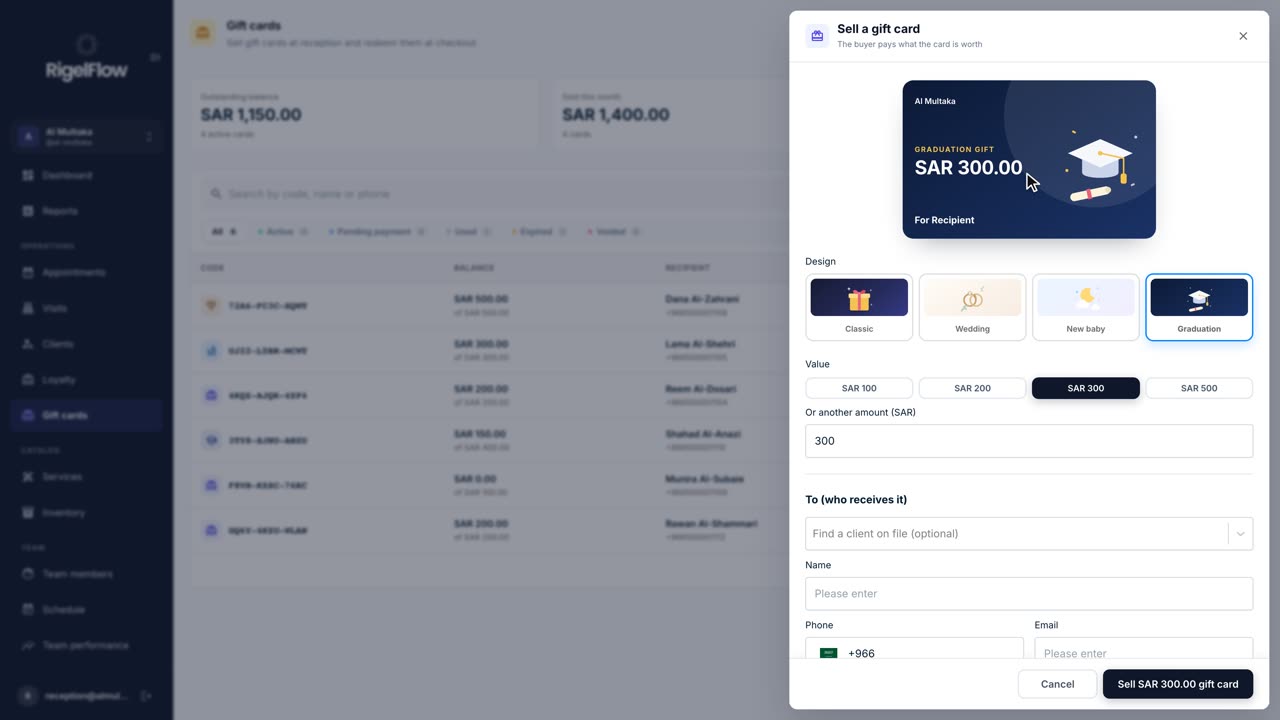 1:55
1:55Gift cards and packages2 min
Sell and redeem gift cards
Sell a gift card in any design and amount, send it on WhatsApp, and use it to pay for a visit at checkout.
Watch the guide