

Clients and loyalty1 min
Find and manage your clients
See every client’s stage, spend and history, add staff alerts for allergies, and find who to win back.
Your clients live under Clients in the menu. The directory lists every client with their stage, last visit, number of visits, lifetime spend and next booking.
Step by step
- 1Step 1
Open Clients
From the menu, open Clients.
- 2Step 2
Read the directory
Every client, with their stage, last visit, number of visits, lifetime spend and next booking.
- 3Step 3
Use stages
Click a stage to see just those clients, for example who to win back.
- 4Step 4
Find a client
Search by name, email or phone, and click a client to open their profile.
- 5Step 5
Read their profile
Visits, lifetime spend, last and next booking, no-show rate, and how often they come. Above them, their usual service and stylist.
- 6Step 6
Add a staff alert
Use it for allergies, or anything the team must know before starting. Only your team sees it, here and on every appointment.
- 7Step 7
Check history and loyalty
Visit history lists every booking with its service, stylist and value. Profile holds contact details, and Loyalty shows their points.
- 8Step 8
Add a client
Click Add client, enter their name and phone, and save. New clients start under Never booked until their first visit.
| Stage | Means |
|---|---|
| New | One visit so far. |
| At risk | No visit for three months. |
| Lapsed | No visit for six months or more. |
| Never booked | Added, but hasn’t had a visit yet. |
Related guides
 1:12
1:12Clients and loyalty1 min
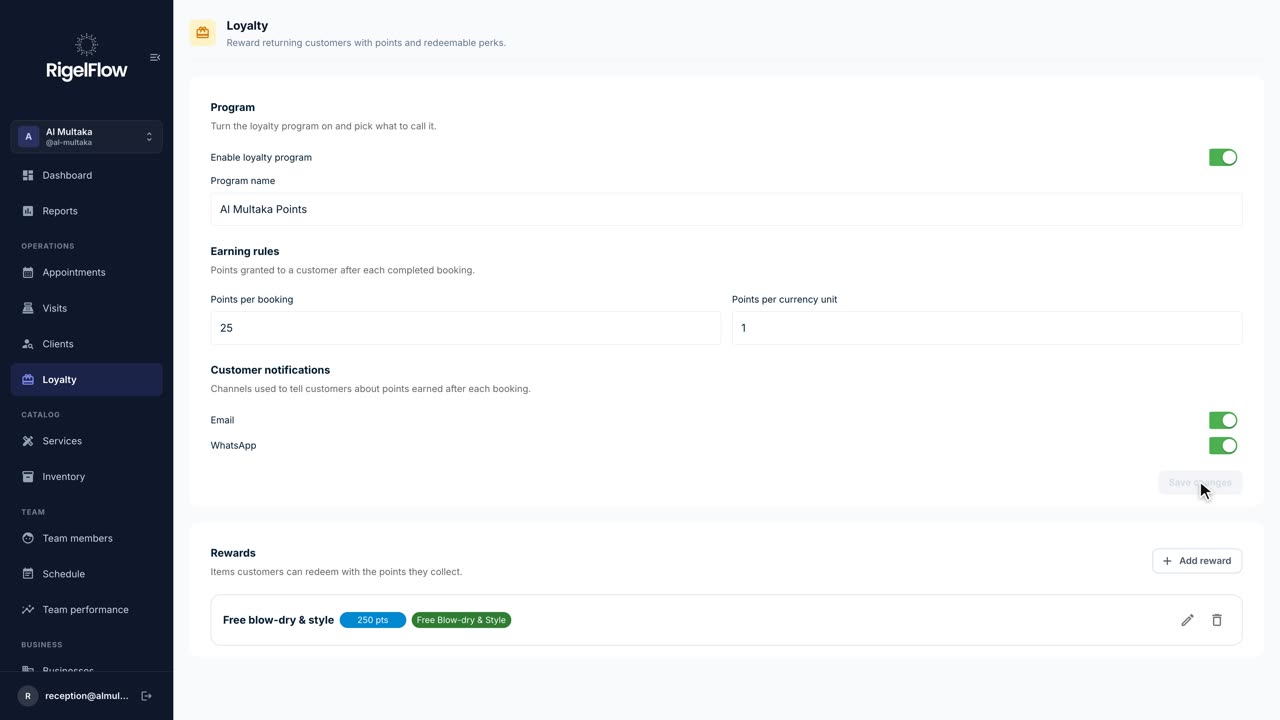
Reward regulars with loyalty points
Turn on a points program, decide how clients earn, create rewards, and redeem points at checkout.
Watch the guide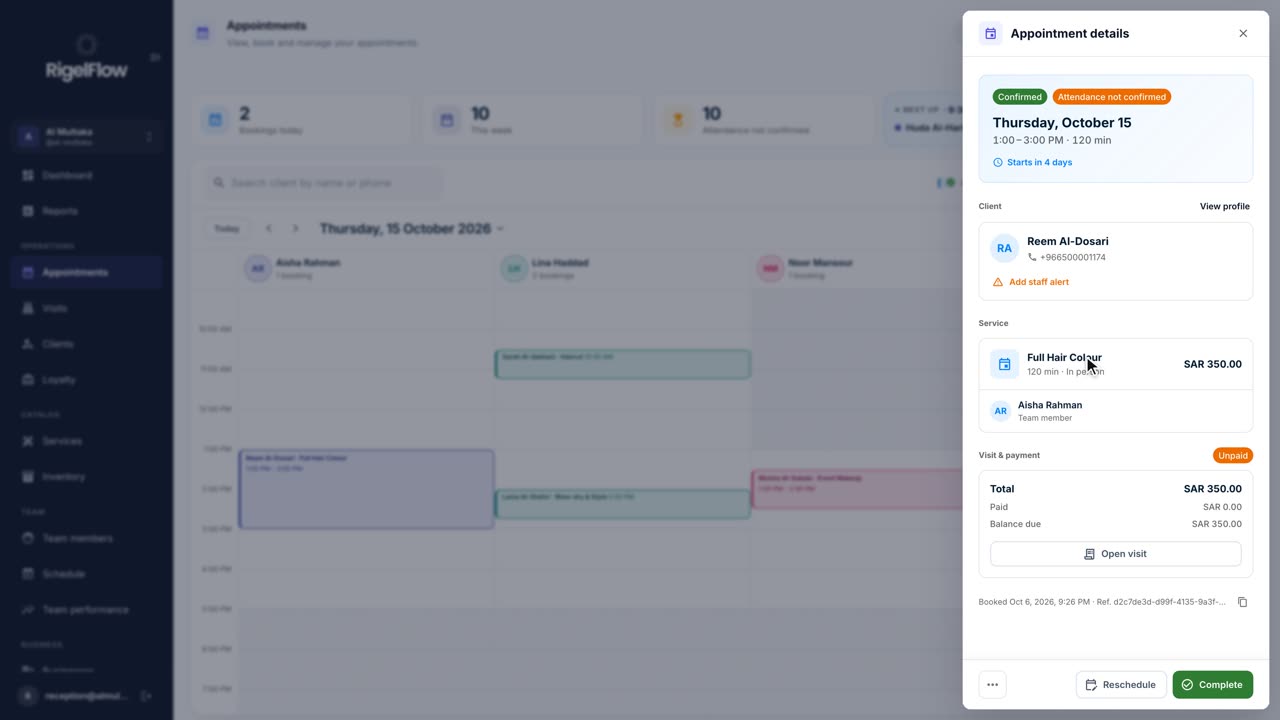 2:05
2:05Bookings and calendar2 min
Manage appointments in the calendar
See your day at a glance, switch between calendar, stylist and list views, and reschedule, complete or cancel any booking.
Watch the guide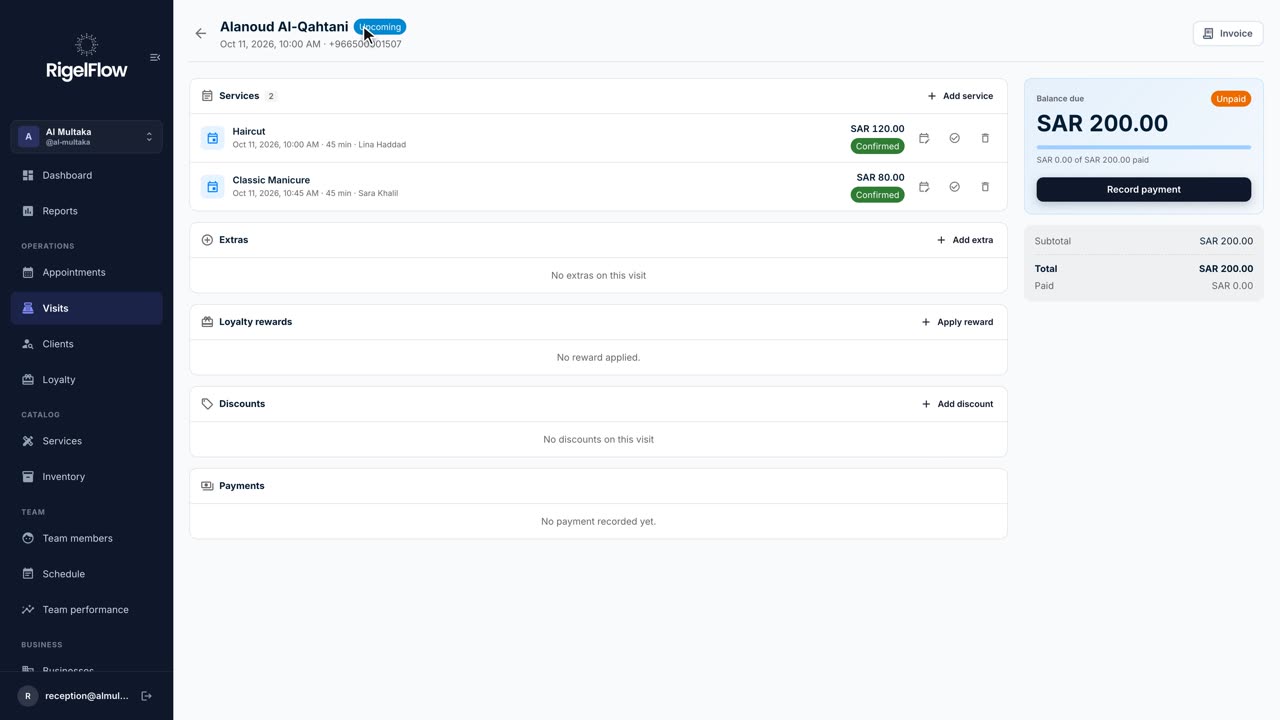 2:46
2:46Visits and payments3 min
Take payment, invoice and refund a visit
Add services and discounts, record full or part payments, issue a ZATCA tax invoice, and refund with a credit note.
Watch the guide