

Inventory1 min
Track inventory and stock
Keep track of retail and back-bar products, suppliers, stock at each branch, low-stock alerts and stocktakes.
Inventory is under Catalog. It tracks the products you sell, and the ones you use on clients.
Step by step
- 1Step 1
Open Inventory
From the menu, open Catalog, then Inventory.
- 2Step 2
Read your products
Products lists each item with its SKU, unit, pack size, cost, and the level that counts as low stock.
- 3Step 3
Add a product
Set the name, SKU and supplier, unit and pack size, cost and price, when to alert you, and how many to reorder. Mark items only used during services, and choose whether to track their stock.
- 4Step 4
Add suppliers
Suppliers keeps the contact details of the companies you order from.
- 5Step 5
Check stock by branch
Stock shows how much you have at each branch. From here, receive stock, take stock out, adjust a count, or move stock between branches.
- 6Step 6
Watch low stock
Low-stock lists anything at its alert level, with how many you have and how many to reorder.
- 7Step 7
Receive an order
Click Receive stock, pick the product, enter the quantity and unit cost, and save. Stock goes up and the alert clears.
- 8Step 8
Do a stocktake
Count what’s on the shelf. Match the expected count with one click, or type what you counted, and any difference shows straight away.
- 9Step 9
Check the history
History records every movement: received, adjusted, counted, and what each service used.
Related guides
 1:50
1:50Set up your business2 min
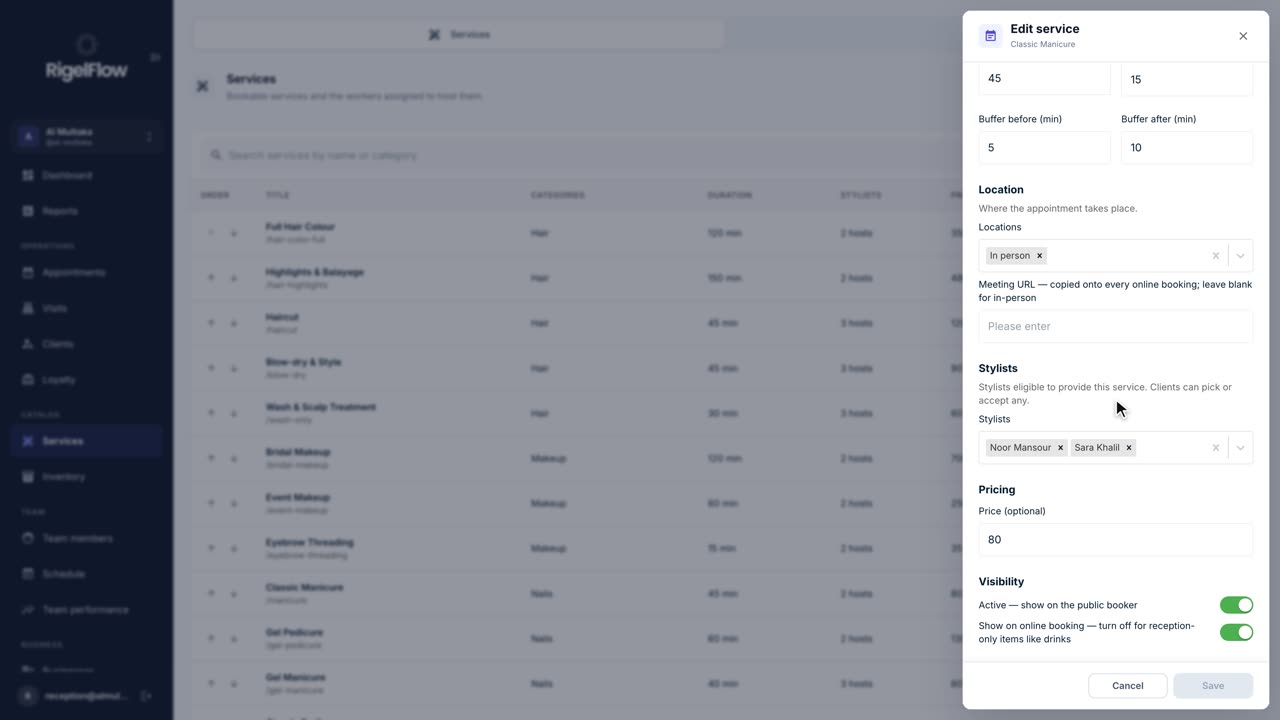
Add and manage your services
Set up everything clients can book: prices, durations, who offers each service, categories, treatment order and add-ons.
Watch the guide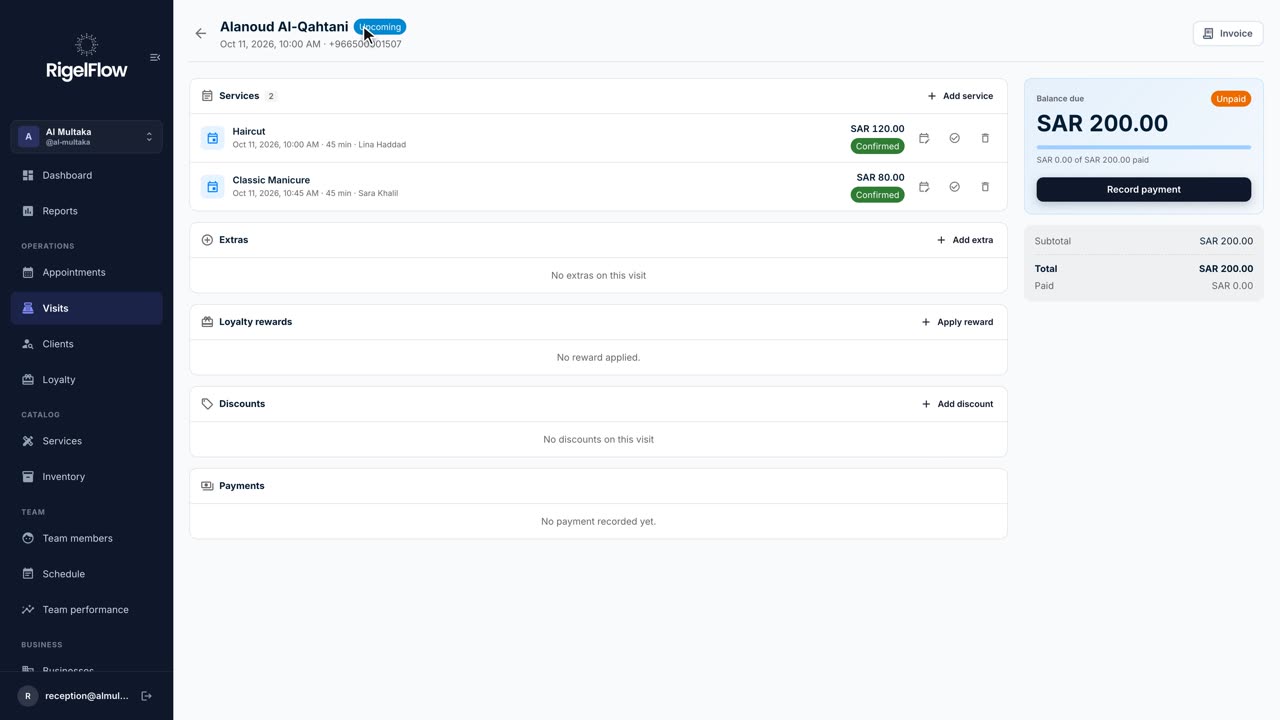 2:46
2:46Visits and payments3 min
Take payment, invoice and refund a visit
Add services and discounts, record full or part payments, issue a ZATCA tax invoice, and refund with a credit note.
Watch the guide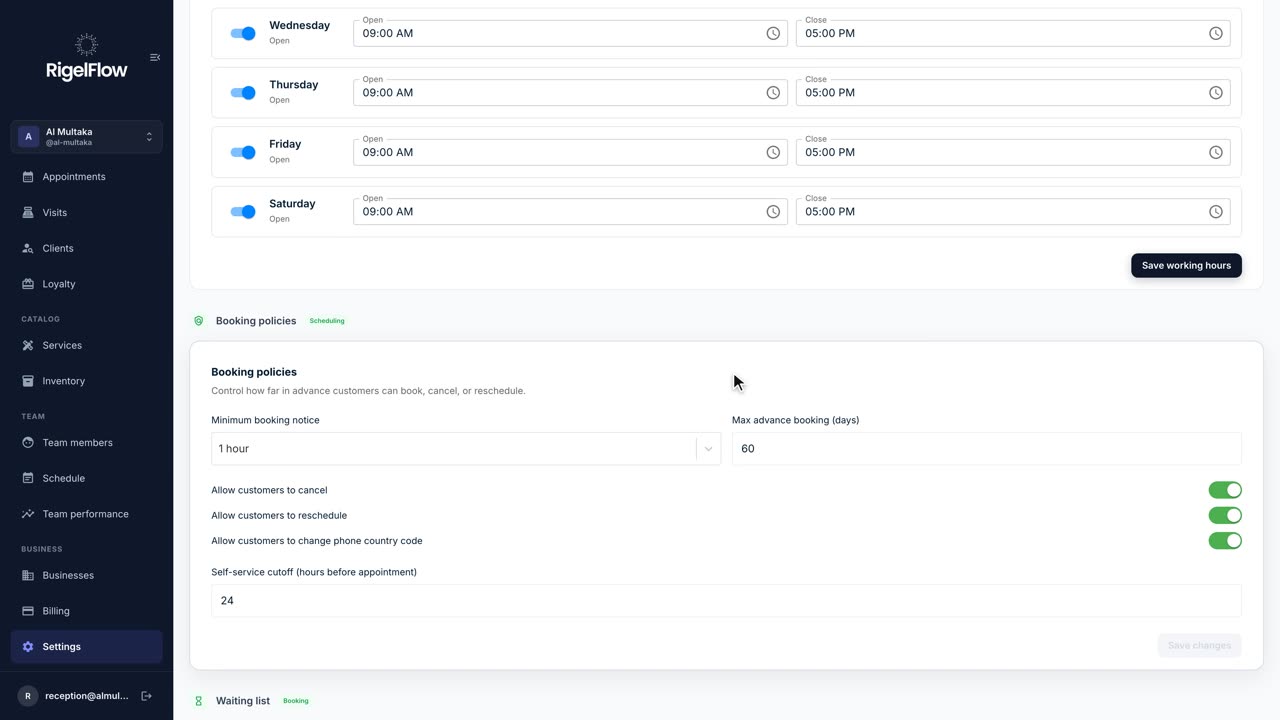 2:11
2:11Set up your business2 min
Set up your business in Settings
Your profile, branches, opening hours, booking rules, tax, payments, WhatsApp and team options, all in one place.
Watch the guide